
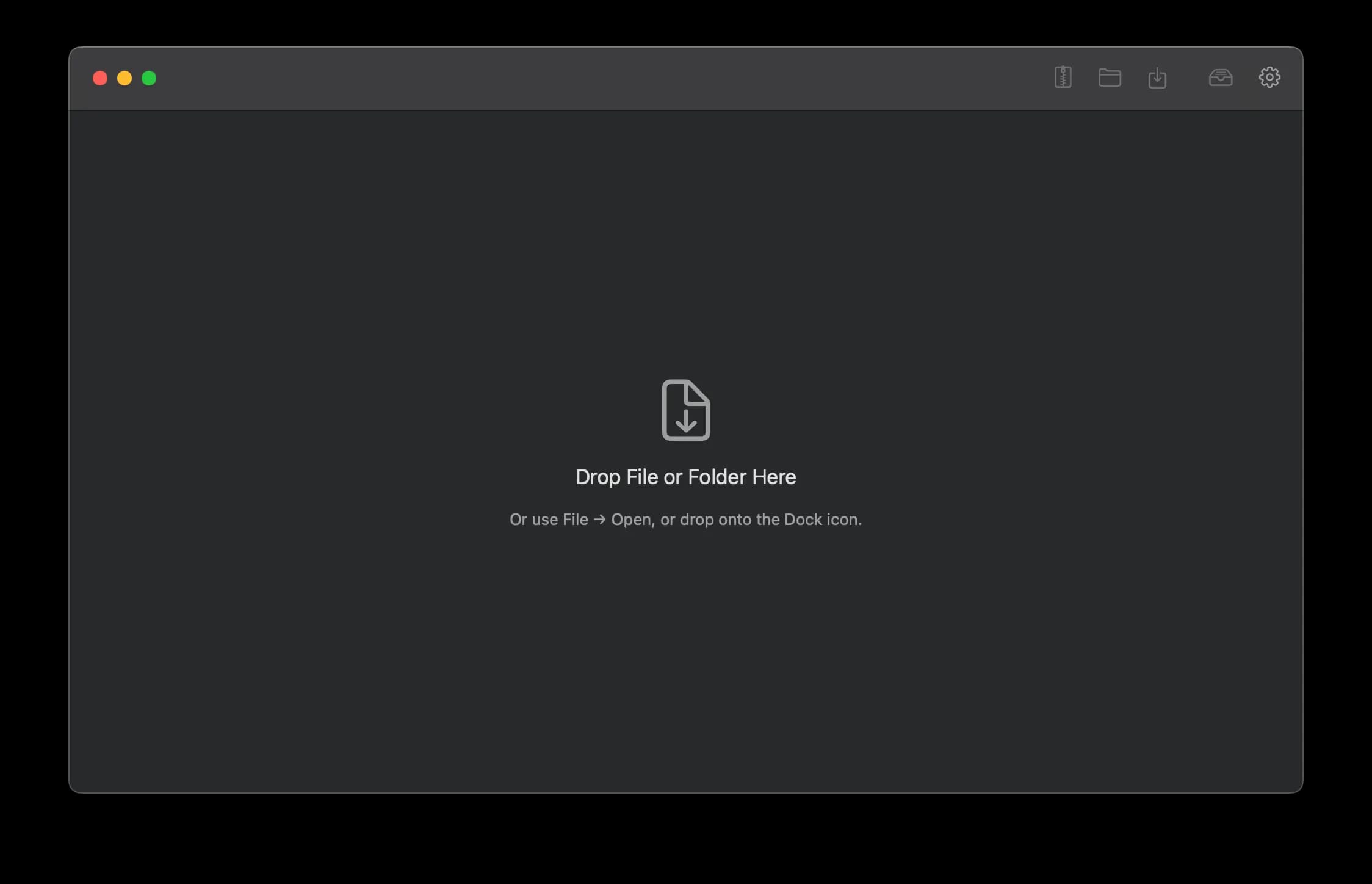
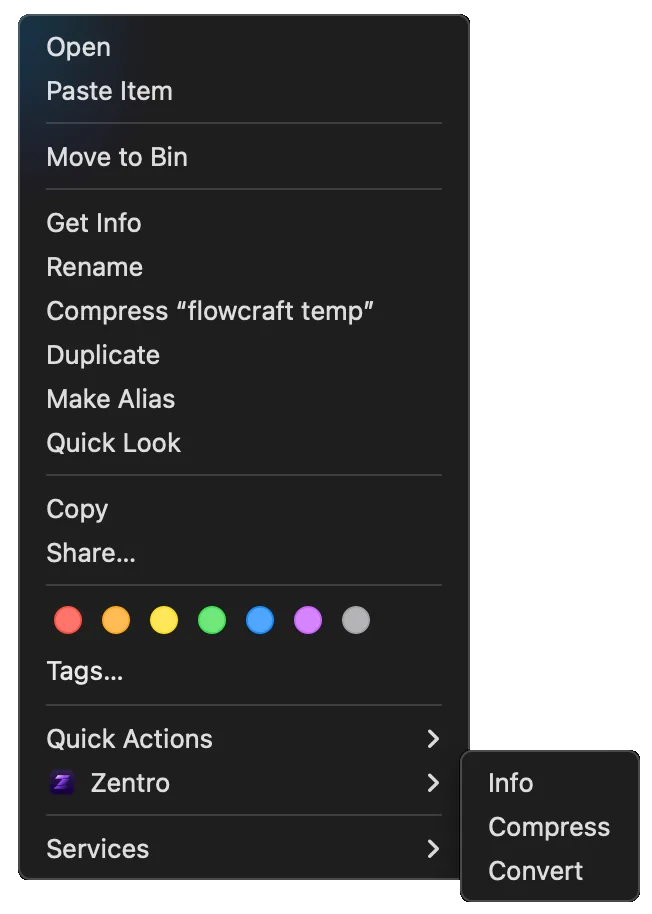
Easy Access
Drag and drop files onto Zentro, or open them straight from the Finder context menu.
Drag, Drop, Zip
 Zentro
Your all-in-one Finder companion for converting, compressing, previewing, and so much more.
Features
From drag-and-drop access to rich media metadata, built-in previews, conversion, and archive tools.
Drag and drop files onto Zentro, or open them straight from the Finder context menu.
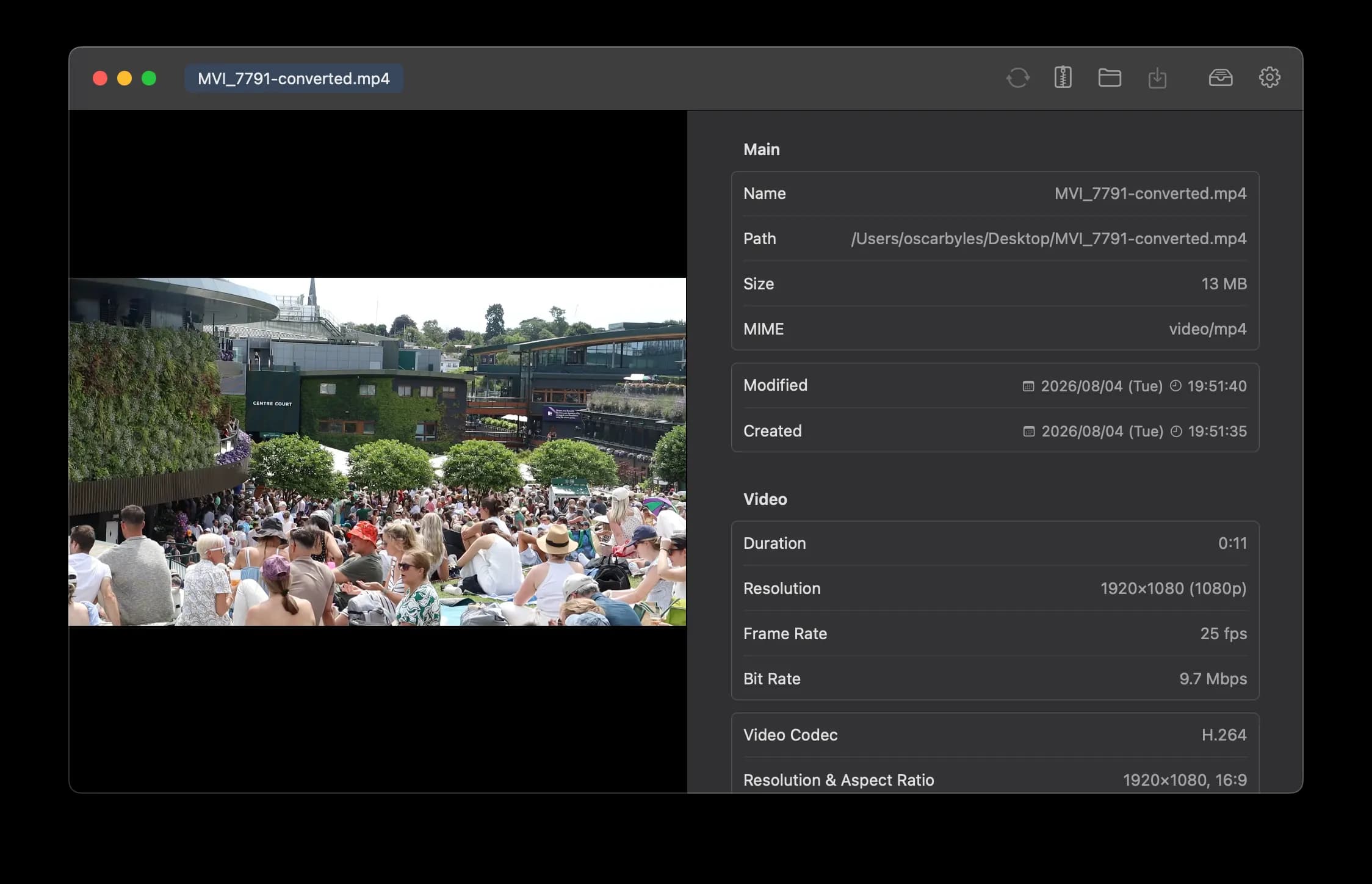
macOS Get Info misses many metadata fields, especially for images and video. Zentro surfaces the full picture.
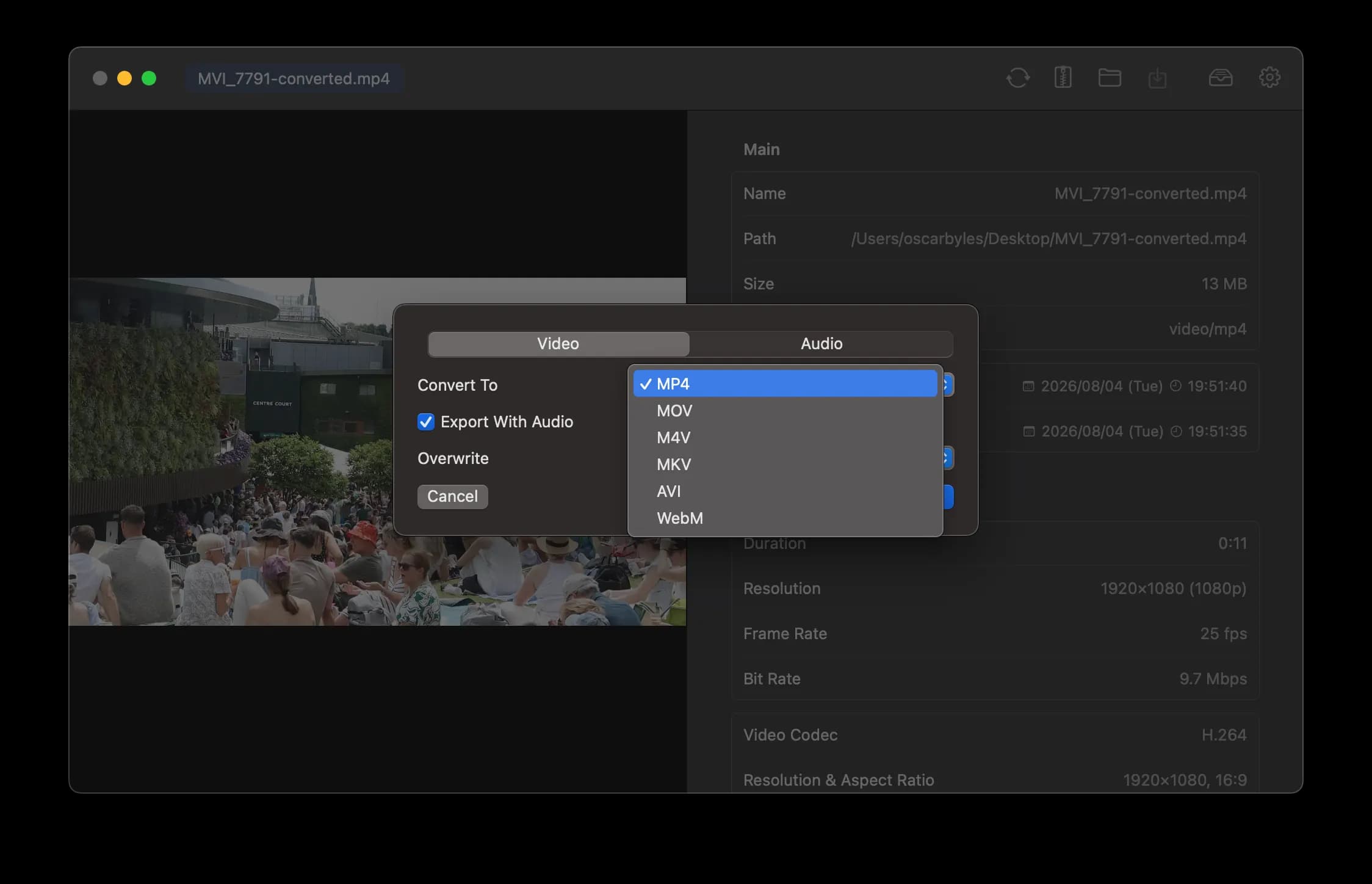
Convert files between formats within their category, with comprehensive built-in support.
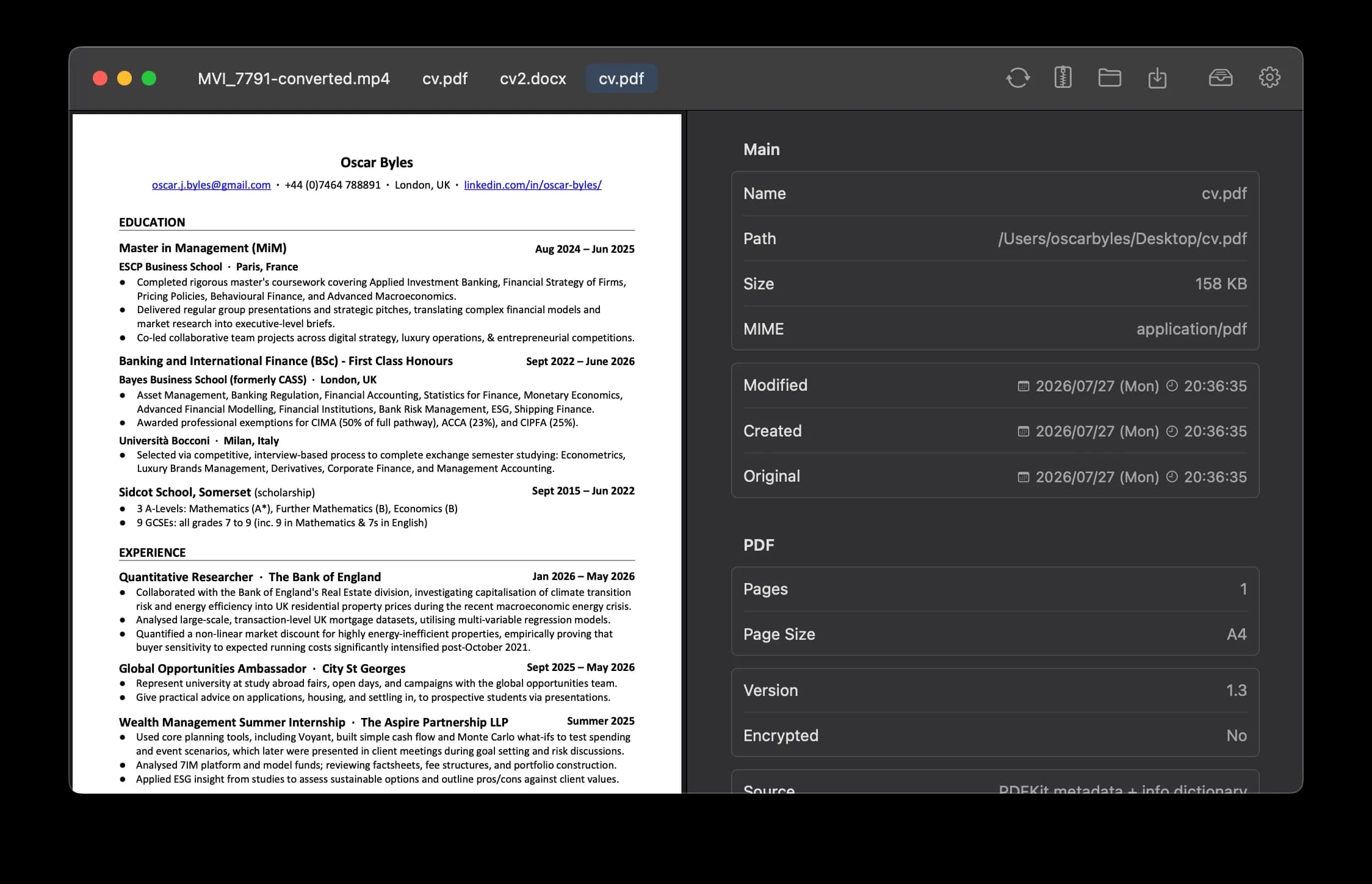
Custom viewers for images, video, audio, Microsoft documents, PDFs, and more, all built in.
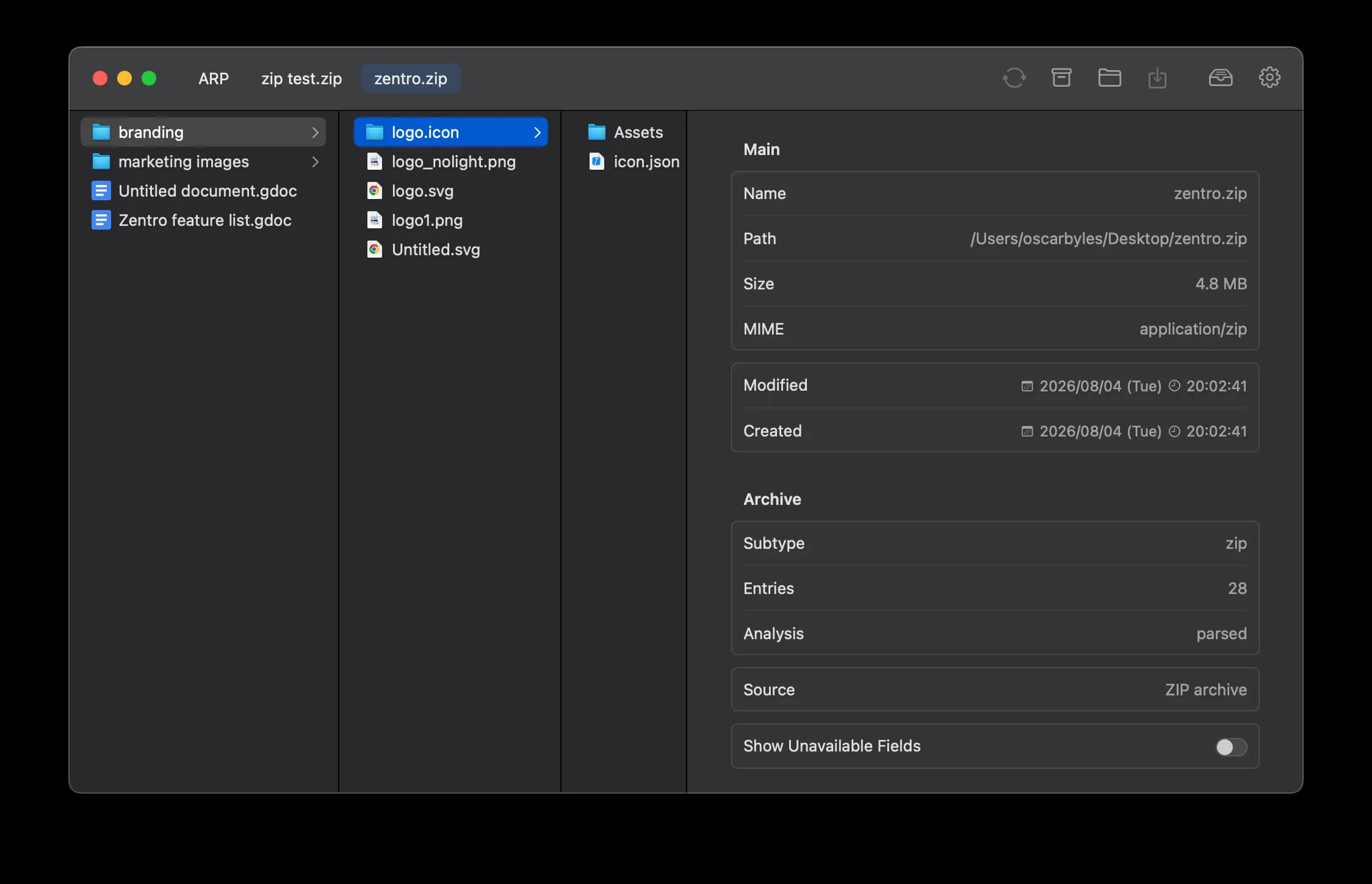
A native Mac zip browser with easy per-file extraction.
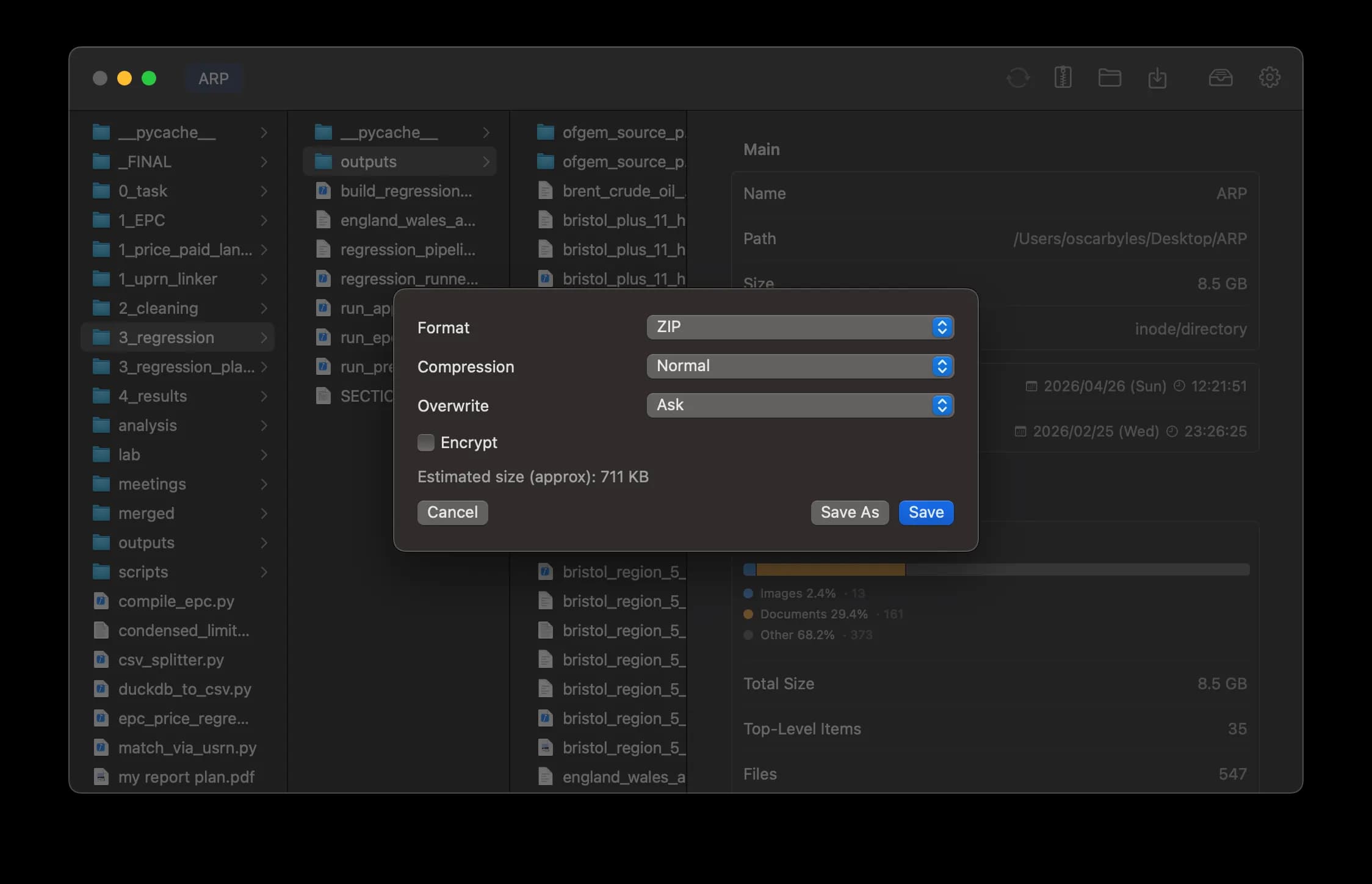
Compress and decompress files and folders with finer control and built-in encryption.
Pricing
Start with a free trial, subscribe monthly, or buy once for lifetime access.
Trial
Free
Monthly
$0.99/mo
Lifetime
$7.99
Support
Zentro is a native macOS file and folder metadata inspector from Lowlight Labs. Drop any item in, preview it, and inspect rich metadata without digging through Finder.
Images, SVG, PDF, audio, video, Office documents, archives, text files, and folders — each with tailored detail panels.
No. Zentro is built for macOS.
Start a 3-day free trial in the app. After purchase you receive a unique license key — enter it in Zentro to unlock access. Choose monthly billing or a one-time lifetime license.
Go to the Download page (/download) for the installer and free trial. After purchase, you can also download from the checkout confirmation page.